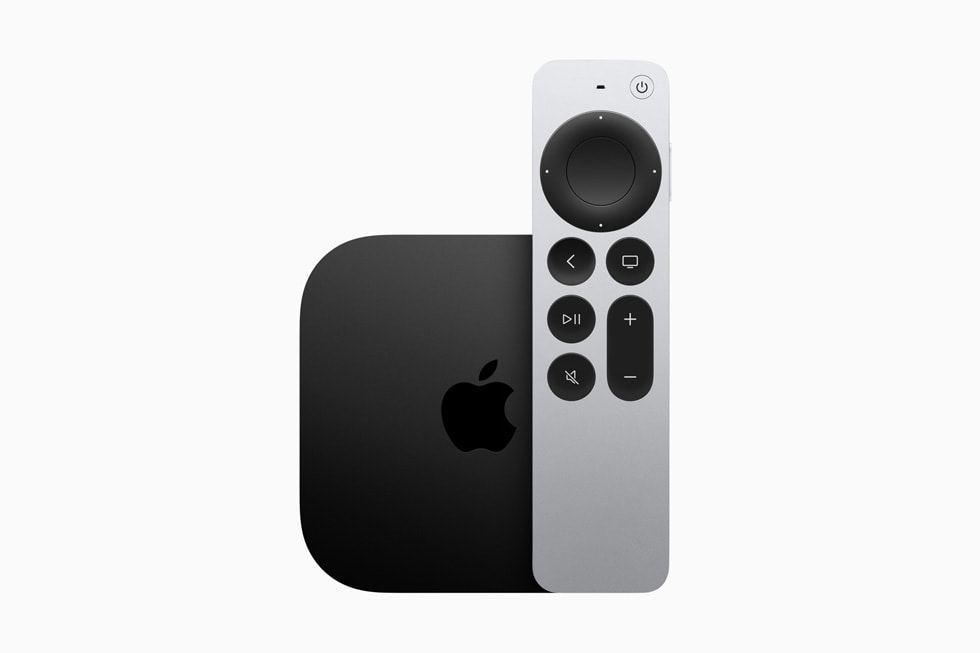
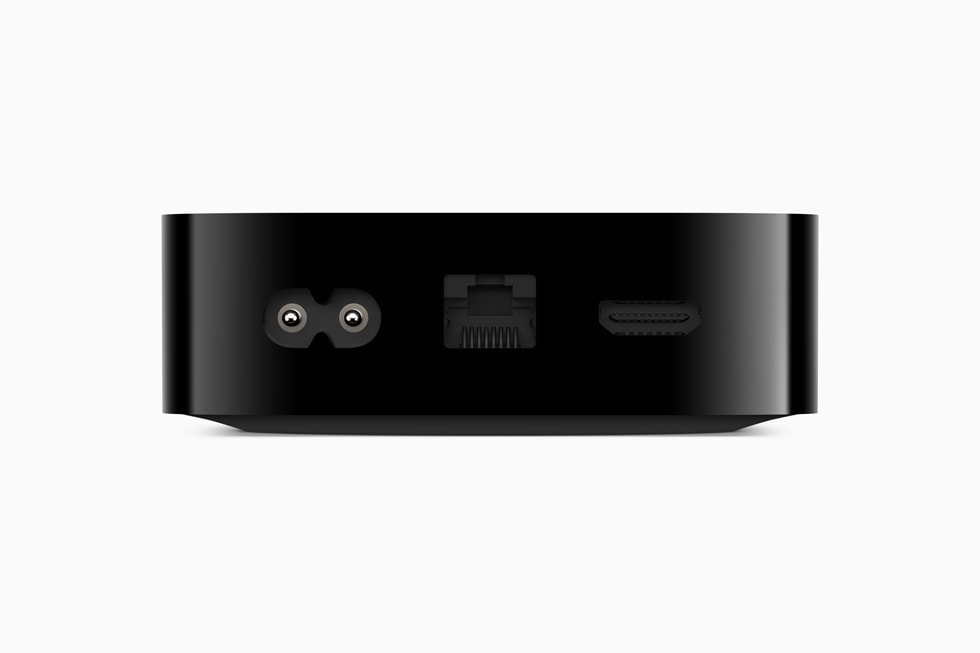
Roku Ultra vs Apple TV 4K — which is the smarter buy?
Same goal, two very different paths. Here's how to pick.
The honest answer in one sentence
If your house runs on iPhones, get the Apple TV 4K. If it doesn't, get the Roku Ultra. The $30 price difference is the cost of ecosystem integration, and it only pays off if you're already inside the ecosystem.
Head to head
| Roku Ultra (2024) | Apple TV 4K (3rd gen) | |
|---|---|---|
| Price | $99 | $129 |
| Max resolution | 4K HDR (HDR10+, Dolby Vision) | 4K HDR (HDR10+, Dolby Vision) |
| Dolby Atmos | ✓ | ✓ |
| Voice remote | ✓ | ✓ (Siri Remote) |
| Headphone jack on remote | ✓ | ✗ (use AirPods instead) |
| Lost-remote finder | ✓ | ✗ |
| AirPlay | ✓ (as receiver) | ✓ (full native) |
| HomeKit hub | ✗ | ✓ |
| App breadth | Universal | Universal |
| Interface polish | Functional | Premium |
| Apple Arcade games | ✗ | ✓ |
| Software update window | 4-5 years | 6-8 years |
Where each one wins
Roku Ultra wins on
- Price. $30 cheaper. Buys you the second box for a different room.
- The remote. Headphone jack saves marriages. Lost-remote finder is genuinely useful with kids.
- Cable replacement. Roku has direct partnerships with every live-TV service — even the cable companies' own apps (Xfinity Stream, Spectrum TV) run on it natively. Apple TV has most of these but the integration is looser.
- Non-Apple households. If you're on Android, Windows, or anything else, Roku doesn't penalize you. Apple TV does.
Apple TV 4K wins on
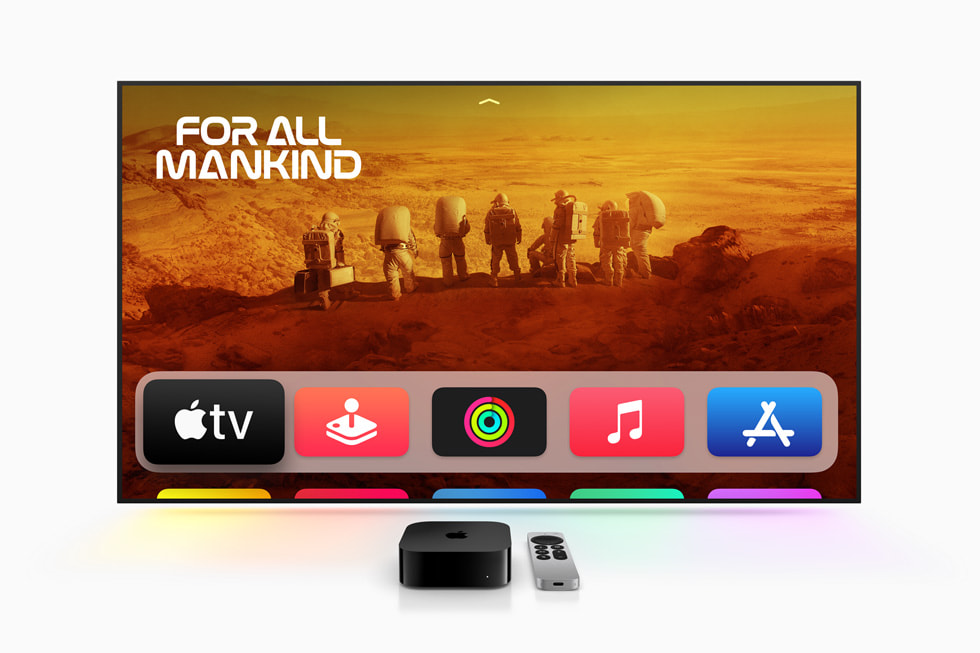
- Ecosystem. AirPlay from your phone is instant. Photos slideshow at parties. iCloud Music. HomeKit smart-home hub built in. If you have an iPhone, this is dramatically smoother.
- Privacy. Apple doesn't sell your viewing data. Roku makes a chunk of revenue from ad data.
- Performance. The Apple chip is overkill for streaming, which means the interface stays buttery fast forever. Roku gets sluggish after a couple years of OS updates.
- Software longevity. Apple supports devices ~8 years. Roku eventually drops apps from older boxes around year 5.
- Apple Arcade. Pretty good casual gaming included if you already pay for Apple One.
The gotchas
Apple TV 4K's remote. The current Siri Remote is better than the old "scrolling glass" one, but Roku's remote is still more functional. If you specifically need a headphone jack on the remote for late-night TV, this is a real difference.
Roku ads on the home screen. Roku shows a big sponsored content tile on the home screen. Apple TV does not. Some people don't care. Some hate it.
Roku tracks your viewing across apps. Apple TV doesn't. If you care about that, factor it in.
Apple TV needs an iPhone for setup. You can use the on-device setup, but it's miserable. If your household has no iPhone, Apple TV is a worse experience start to finish.
When to skip both
If your smart TV is younger than 3 years old, it probably has a built-in streaming OS (Google TV, Roku, Fire TV, Tizen, webOS). Try that first. The dedicated box upgrade is only worth it if your TV's built-in OS is slow, missing apps, or no longer getting updates.
My recommendation for clients
I install Roku Ultra in 70% of homes because most of my DC clients aren't full Apple households — they have one iPhone person, one Android person, smart TVs from different brands, mixed audio gear. Roku's neutrality is the right call.
I install Apple TV 4K in 30% — the ones where everyone has iPhones, the family wants AirPlay for vacation photo slideshows, and they're already paying for Apple One.
Don't install Fire TV unless the client is deeply in the Alexa ecosystem and wants the Amazon-native experience. Otherwise the upsells get tiring.
Verdict
It's not really a head-to-head. They're answering different questions.
- Roku Ultra answers: "What's the most reliable, neutral box that runs everything?"
- Apple TV 4K answers: "I have iPhones. Make my TV part of that."
Pick the question you're actually asking.
More photos