Onn 4K Pro Streaming Box Review
Walmart's $50 streaming box — the sleeper hit that beats some $100 competitors at half the price.
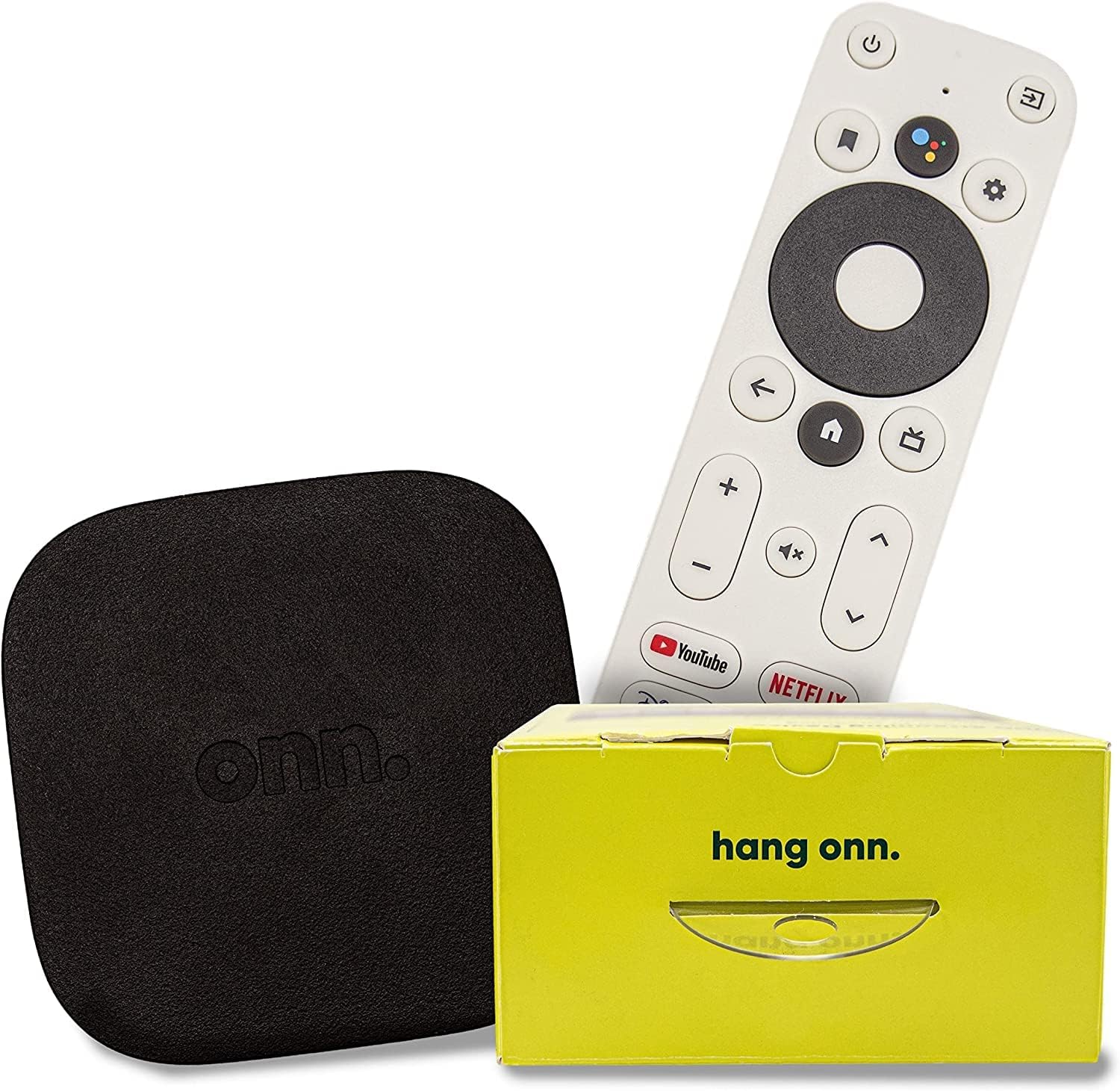

Our Take
If you came here looking for a $50 streamer that doesn't feel like a $50 streamer, just buy this one.
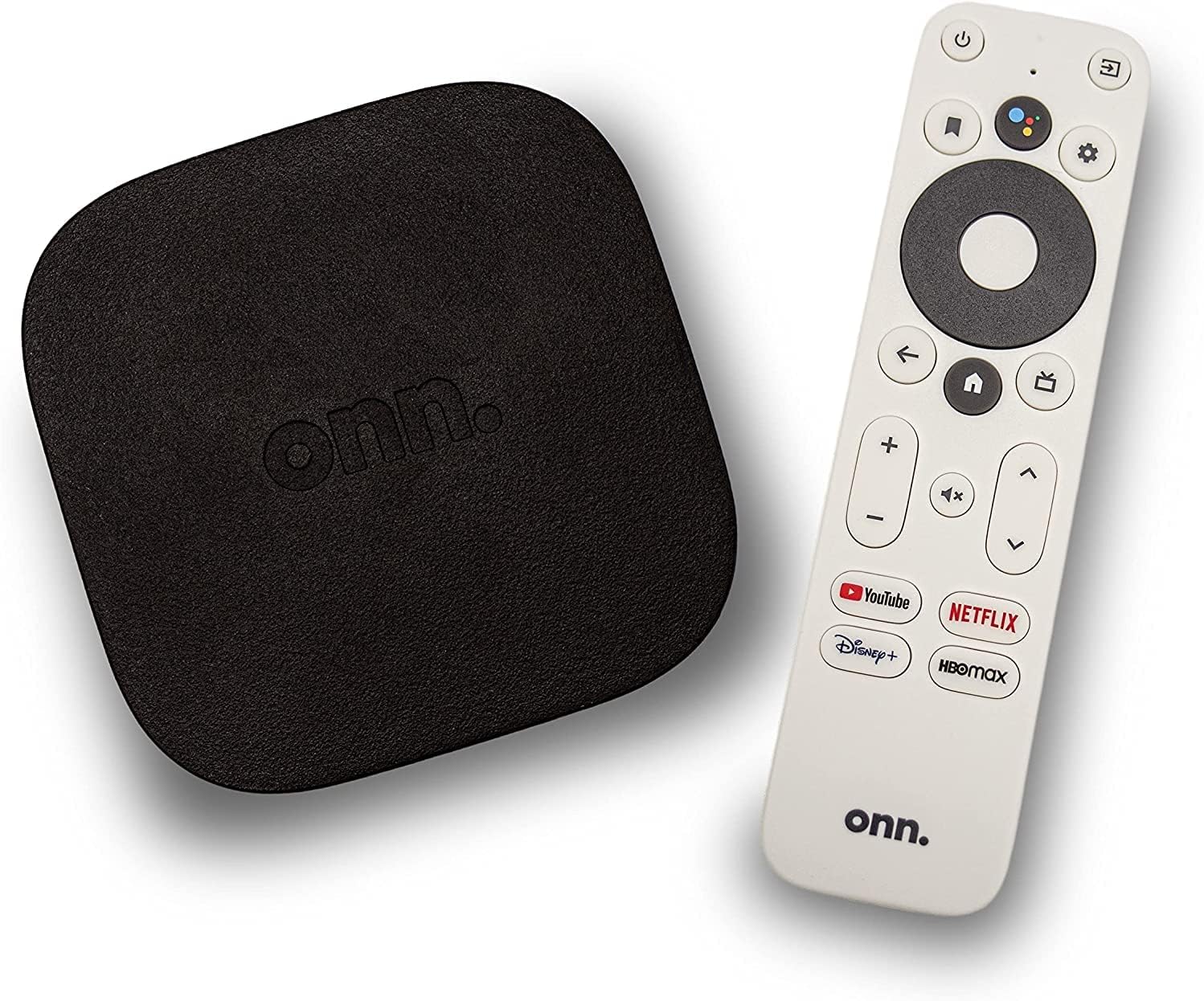
After installing dozens of streaming devices in client homes, the Onn 4K Pro keeps catching me off guard. It's Walmart's house-brand streamer running Google TV — the same OS as the $99 Google TV Streamer — at half the price. 4K HDR including Dolby Vision. Ethernet built in. Voice remote. Every major streaming app runs natively. For $50, it shouldn't be this good. It is.
The hardware story is the reason. Walmart contracted Google TV from Google directly, sourced reference hardware, and undercut every competitor by $30–$50. The Onn 4K Pro has less RAM than the Google TV Streamer (which makes app switching slower) and doesn't have the smart-home hub features (no Matter/Thread). For streaming, those don't matter day-to-day. For an extra room or a secondary TV where you want 4K HDR and major streaming apps, this is the move.
It's not perfect. The home screen has more Walmart-branded content rows than Google's first-party Streamer. Software updates lag the Streamer's by a few months. Long-term support is uncertain — Walmart's electronics quality control has improved a lot but it's still Walmart, not a name brand. For your main living-room TV, I'd still install a Roku Ultra or Google TV Streamer. For everywhere else, the Onn 4K Pro is the right pick.
When to buy it
You're outfitting a secondary TV. Guest rooms, kids' rooms, gym TVs, basement TVs. The Onn 4K Pro saves you $30–$50 per TV vs the Google TV Streamer or Roku Ultra.
You want 4K HDR with Dolby Vision at the cheapest price. No other $50 streamer ships Dolby Vision. This one does.
You want Ethernet for free. Most $50 streaming sticks don't have it. This one does — useful in dense apartments where Wi-Fi struggles.
You're a Google household and want Google TV's content recommendations. Same OS as Chromecast with Google TV / Google TV Streamer.
You're an experimenter who doesn't want to spend $100 to find out if Google TV is for you. Onn 4K Pro is the cheapest way to try.
When to skip it
You're outfitting your main living-room TV. Spend $30–$50 more on the Roku Ultra or Google TV Streamer. The polish difference is real.
You're deep in the Apple ecosystem. Apple TV 4K is the right pick.
You want smart-home hub features. Onn 4K Pro doesn't have Matter or Thread. The Google TV Streamer does.
You want long-term support certainty. Walmart's track record on long-term firmware support is mixed. Google TV Streamer or Roku will get updates longer.
Key features (and what they actually mean for you)
Google TV — the platform
Google TV is the operating system. Content recommendations across your installed apps, universal search, voice remote support. Same OS as the $99 Google TV Streamer and Chromecast.
📱 Why this matters: Google TV's "For You" tab pulls recommendations from your Google account watch history. If you're already using YouTube + YouTube TV + Google Photos, the home screen knows what you watch and suggests well.
Ethernet built in — rare at this price
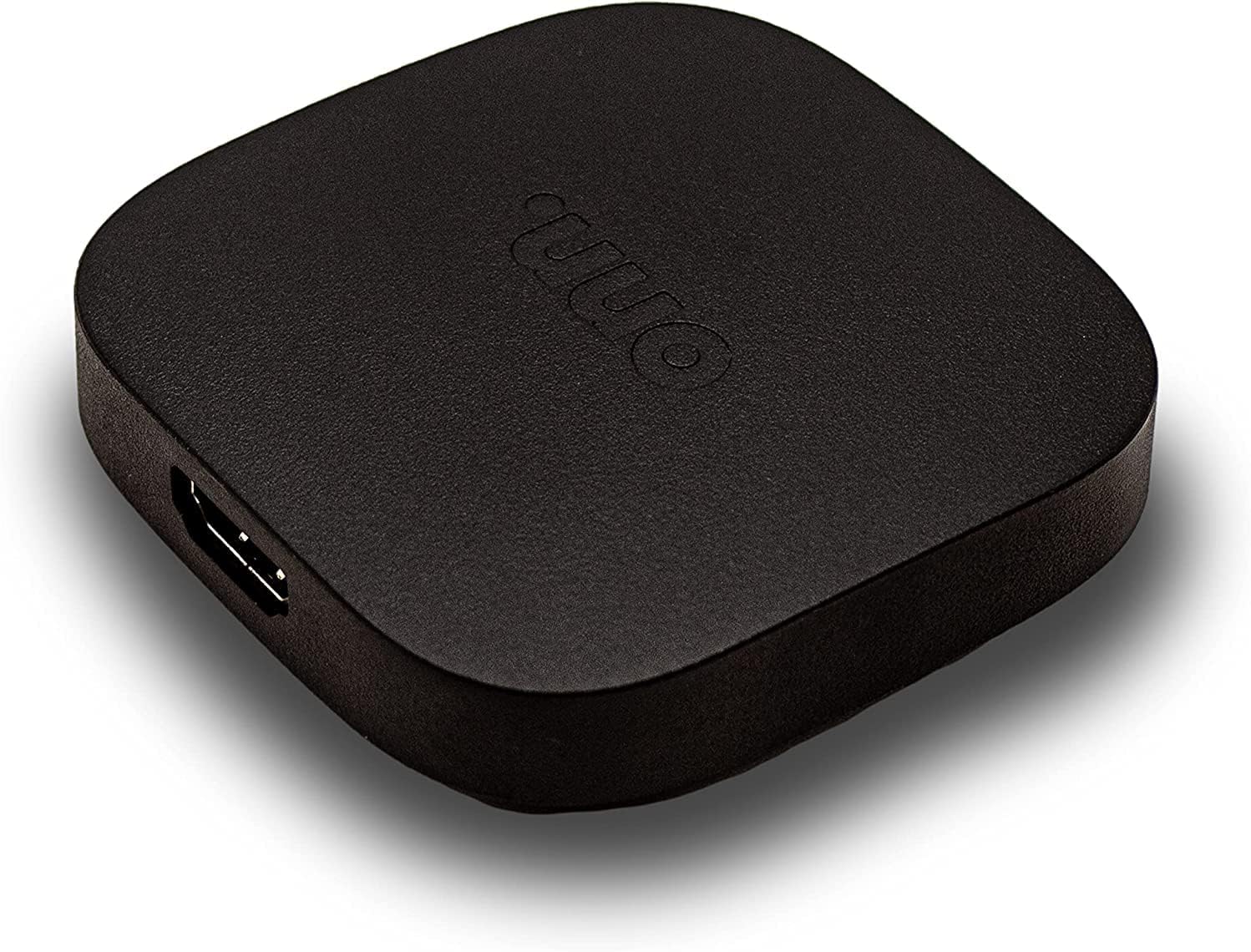
Most $50 streamers are Wi-Fi-only. The Onn 4K Pro has gigabit Ethernet.
🔌 Why this matters: Wi-Fi 5 is the radio standard on Onn 4K Pro — fine for most homes, but in a dense apartment building it can struggle. Plugging in Ethernet bypasses Wi-Fi entirely. $10 cable, no more buffering complaints.
Dolby Vision and HDR10+ support
Full HDR format support including Dolby Vision and HDR10+.
🎬 In plain English: HDR is the "premium picture" upgrade Netflix and Disney+ keep advertising. Onn 4K Pro supports all the formats. The picture looks as good as a $300 box at $50.
Voice remote with Google Assistant
Press the voice button, ask for content. Searches across cable channels and built-in apps.
The remote — basic but functional
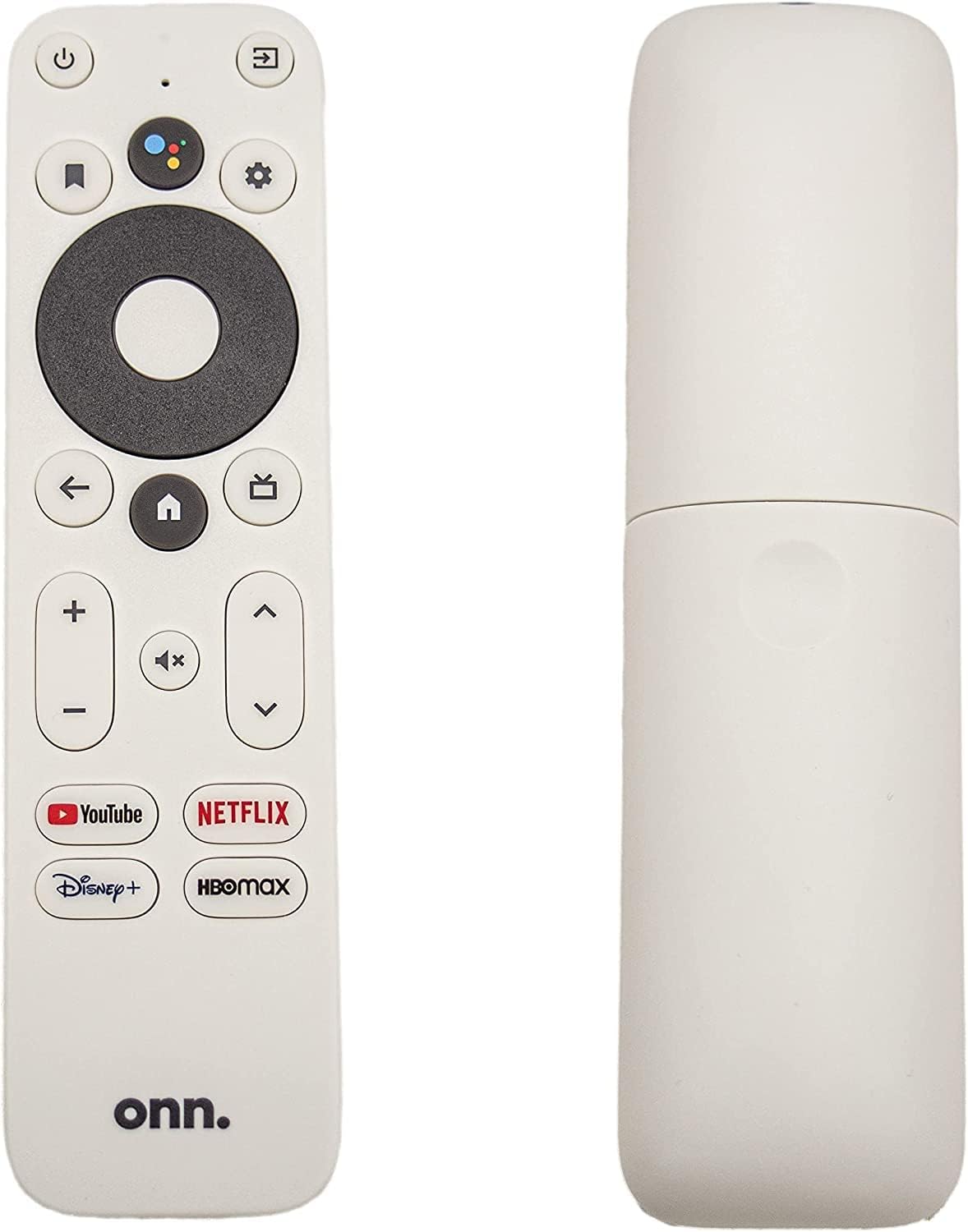
| Remote feature | Onn 4K Pro Voice Remote | Google TV Streamer Remote | Roku Voice Remote Pro 2 |
|---|---|---|---|
| Voice search | ✓ Google Assistant | ✓ Google Assistant | ✓ "Hey Roku" |
| Controls TV power, volume, input | ✓ Most TVs | ✓ Most TVs | ✓ Most TVs |
| Headphone jack on remote | ✗ | ✗ | ✓ |
| Lost-remote finder | ✗ | ✓ | ✓ |
| Backlit buttons | ✗ | ✗ | ✓ |
| Battery / charging | 2× AAA | 2× AAA | Rechargeable USB-C |
The Onn 4K Pro remote is the most basic of the three. Voice works. Universal TV control works. Nothing more.
Closed captions, parental controls, and accessibility
Google TV's accessibility features apply — captions customizable system-wide, parental controls, audio descriptions support.
What's missing
Smart-home hub features. No Matter or Thread.
Premium remote features. No headphone jack, lost-remote finder, or backlit buttons.
Long-term software support certainty. Walmart-supported, not Google-supported directly.
Premium build quality. It's a $50 box. It feels like a $50 box.
Where to buy
Walmart is the primary seller (it's Walmart's house brand). Sometimes sold through Walmart.com directly, sometimes in stores.
Compare similar devices
The Onn 4K Pro is the budget choice. The step-ups are the Google TV Streamer ($99), Roku Ultra ($99), and Apple TV 4K ($199). Each has its own pitch — Google TV Streamer for smart-home hub features, Roku Ultra for the best remote, Apple TV 4K for iPhone households. Onn 4K Pro is the right call when budget rules everything else.
More photos
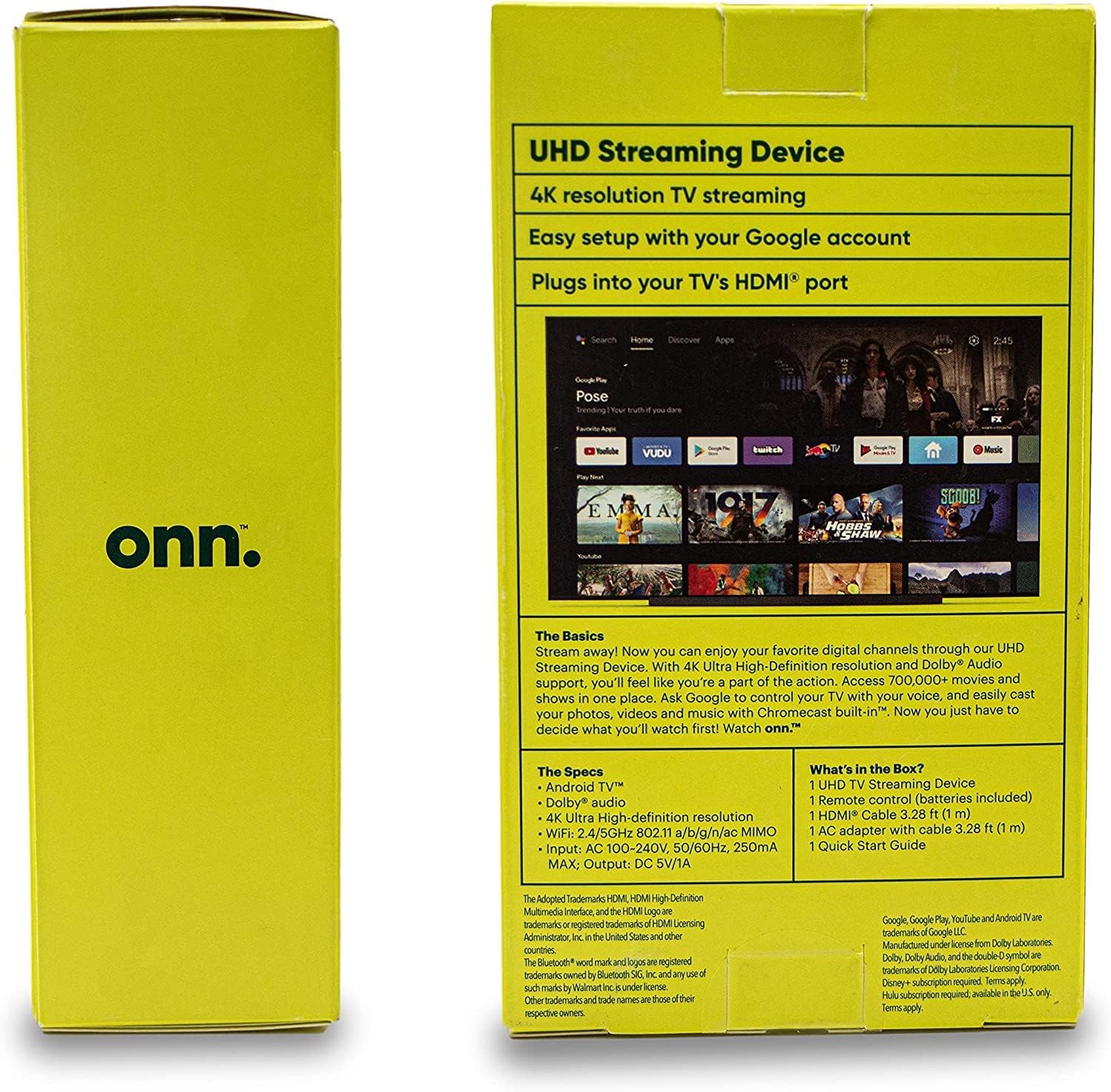
Ready to buy?
Price is the same at every retailer — pick whoever you already shop with. Free shipping at most.
Setup tips from a pro installer 8 tips · click to expand
- Hardwire if you can The Onn 4K Pro has Ethernet — a rare feature at this price. Use it for the main TV if you have a drop nearby.
- Sign into your Google account during setup Google TV personalizes content recommendations based on your watch history. Skip this and the home screen feels generic.
- Activate the apps you actually use Netflix, Disney+, Max, Hulu, Prime, Apple TV+, YouTube, YouTube TV all run natively. Sign in once.
- Configure ambient mode (or turn it off) Like the Google TV Streamer, Onn 4K Pro shows ambient art when idle. Settings → Display → Ambient. Disable if you'd rather the TV sleep.
- Set audio output to 'Auto' Settings → Display & Sound → Audio.
- Customize the home screen rows Push your most-used apps to the top so the home screen feels like yours, not a generic carousel.
- Use the voice remote Voice search works across apps. Cleaner than typing on the on-screen keyboard.
- Update the firmware on day one Onn ships with older firmware sometimes. Settings → System → Updates. Check immediately after first boot.