Roku Express 4K+ Review
Roku's entry-level 4K stick — the cheapest path into Roku OS that still does the basics right.




Our Take
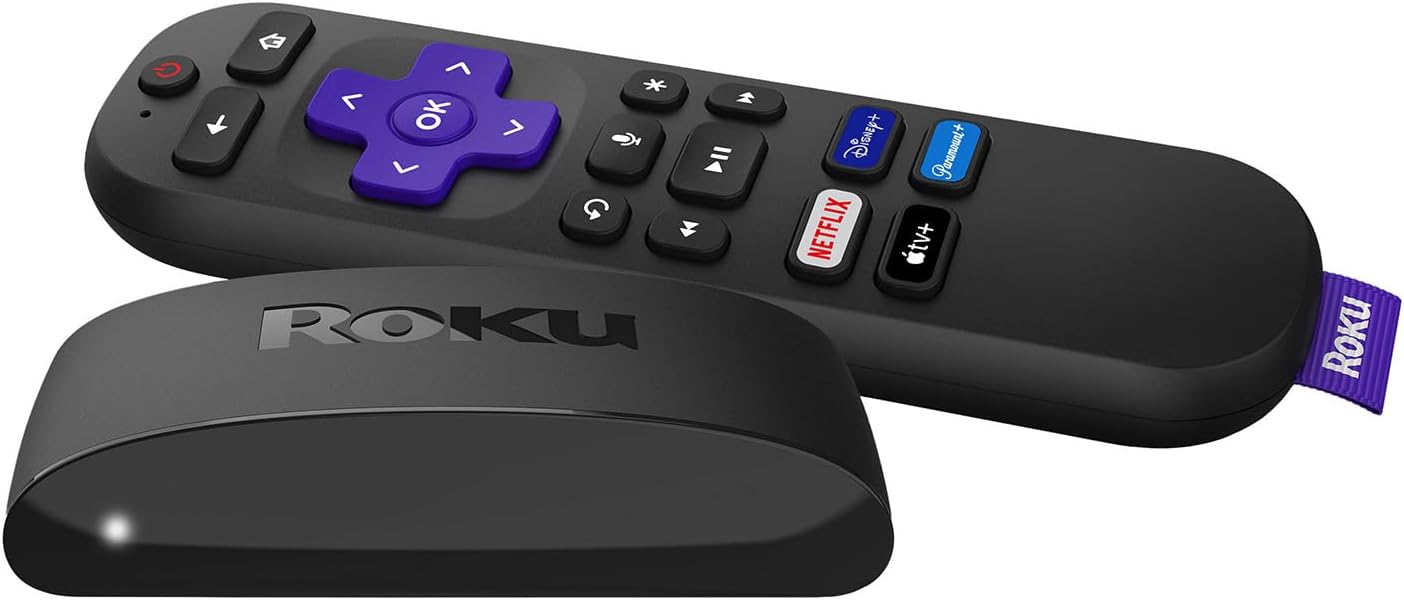
Walking into a budget-conscious household setting up a TV, the Roku Express 4K+ is often the right call. $29–$39, runs the same Roku OS as the $99 Roku Ultra, supports 4K HDR. For the cheapest legitimate path into the Roku ecosystem, this is it.
The trade-offs are predictable for the price. The included remote is the basic IR Roku remote — no voice search, no quick-access app buttons, no headphone jack. The processor is slower than the Streaming Stick 4K's, so app switching and the home screen feel a beat slower. No Dolby Vision support (HDR10 only). No Ethernet.
For a secondary TV that gets basic use — kids' room, guest room, gym TV — these limitations don't matter much. For your main living-room TV, spend the extra $10–$20 on the Streaming Stick 4K for the voice remote alone.
After installing dozens of Express 4K+ units, my honest read is it's the right tool when budget is the dominant factor. The Streaming Stick 4K is the better daily experience. The Onn 4K Pro at $50 is also worth comparing — different OS (Google TV vs Roku) but more features per dollar.
When to buy it
You're outfitting the cheapest possible secondary TV. Guest room, kids' room, gym TV. Roku OS works fine, the limitations don't matter for limited daily use.
You want the simplest possible setup. No voice search to learn, no Dolby Vision to configure. Press a button, content plays.
You're price-sensitive and don't need Dolby Vision. The Streaming Stick 4K's Dolby Vision is the main spec difference. If you don't have a Dolby Vision-capable TV, you're not missing anything.
You want the cheapest USB-powered streamer. Express 4K+ powers off your TV's USB port — no wall outlet needed. Clean install for cabinet-mounted TVs.
When to skip it
You want voice search. Spend $10–$20 more on the Streaming Stick 4K.
You have a Dolby Vision-capable TV. The Streaming Stick 4K's DV support is worth the upgrade.
You're outfitting your main living-room TV. Spend $50–$60 more on the Roku Ultra — better remote, faster processor, Ethernet.
You're in an apartment with bad Wi-Fi. No Ethernet means Wi-Fi is your only option.
Key features (and what they actually mean for you)
Roku OS — the platform
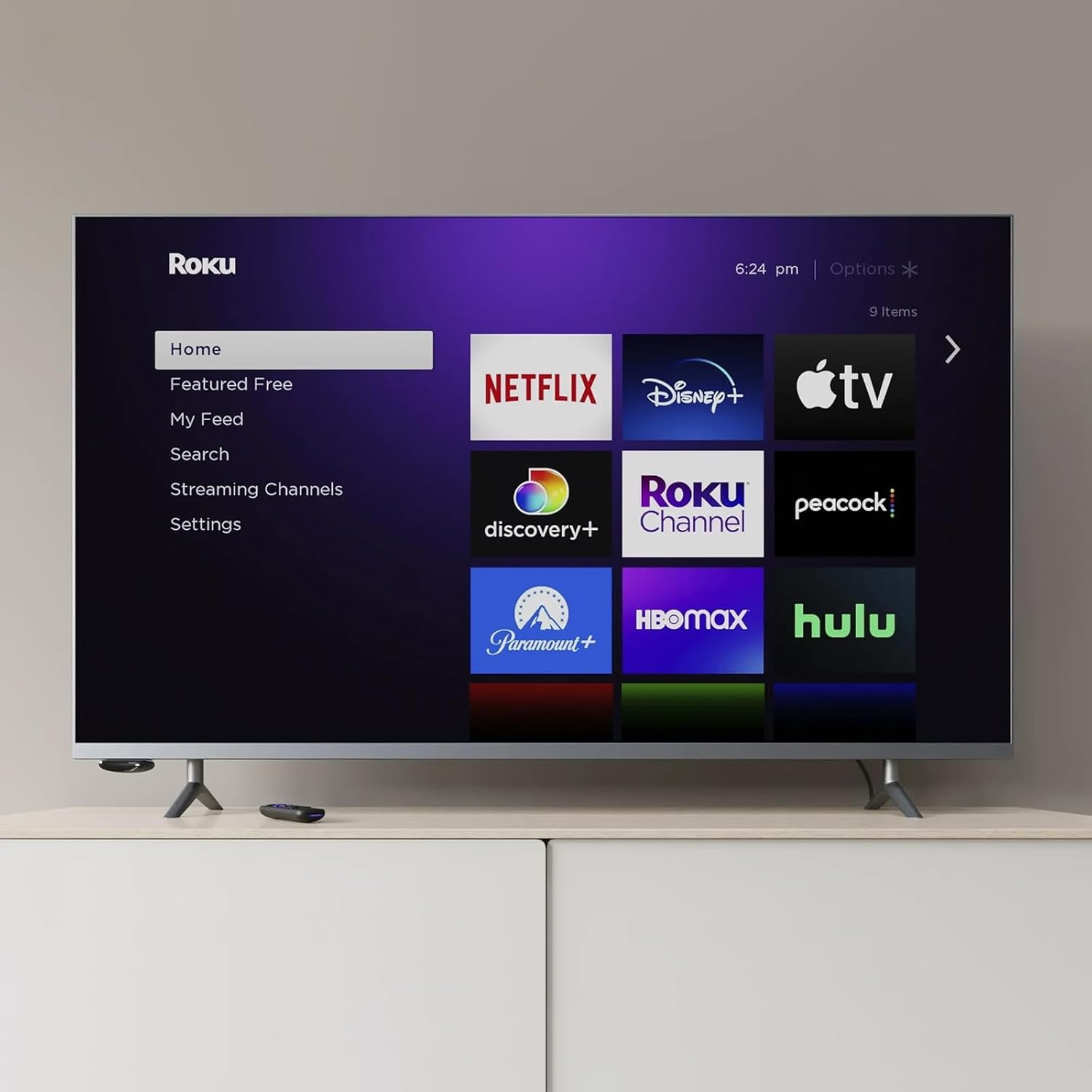
Same Roku OS as every other Roku product. Clean interface, every streaming service launches here first, voice search via the Roku mobile app (even though the remote doesn't have a voice button).
📱 Why this matters: the Roku mobile app on your phone has voice search, a remote function, and a private-listening mode that routes audio through your phone's headphones. Effectively gives the Express 4K+ voice search even though the included remote doesn't.
4K HDR (HDR10 only) — not Dolby Vision
The Express 4K+ supports 4K resolution and HDR10. It does NOT support Dolby Vision.
🎬 In plain English: HDR10 is the basic HDR standard — works on every HDR TV. Dolby Vision is the premium HDR — visibly better on capable TVs. If your TV supports Dolby Vision (most TVs over $400 made in the last few years do), the Streaming Stick 4K is the upgrade that matters.
Basic IR Remote — no voice, no power/volume on TV
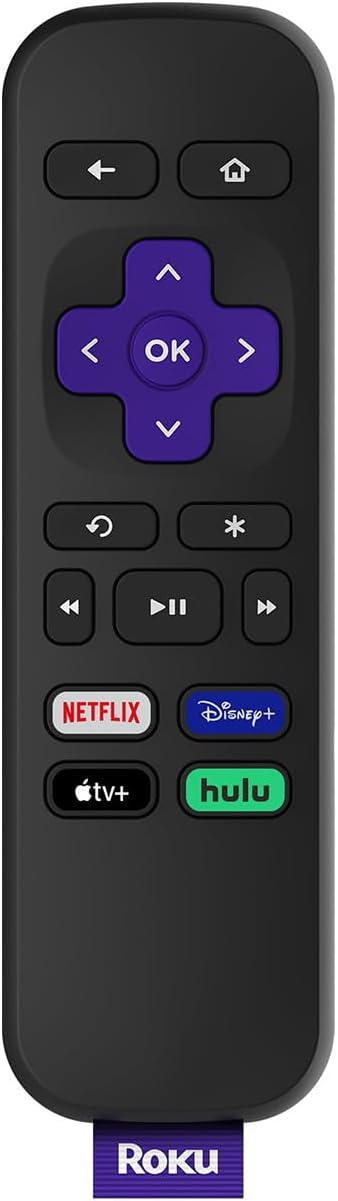
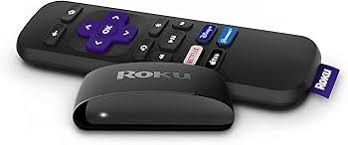
The Express 4K+ ships with the basic IR Roku remote — line-of-sight to the box required, no voice search, no TV power/volume control by default.
🔌 Why this matters: install the Roku in a position where the remote has line-of-sight to it. No hiding the box in a cabinet — that's a Roku Ultra or Streaming Stick 4K (Bluetooth) feature, not an Express 4K+ feature.
Powered via USB-C from TV — clean install
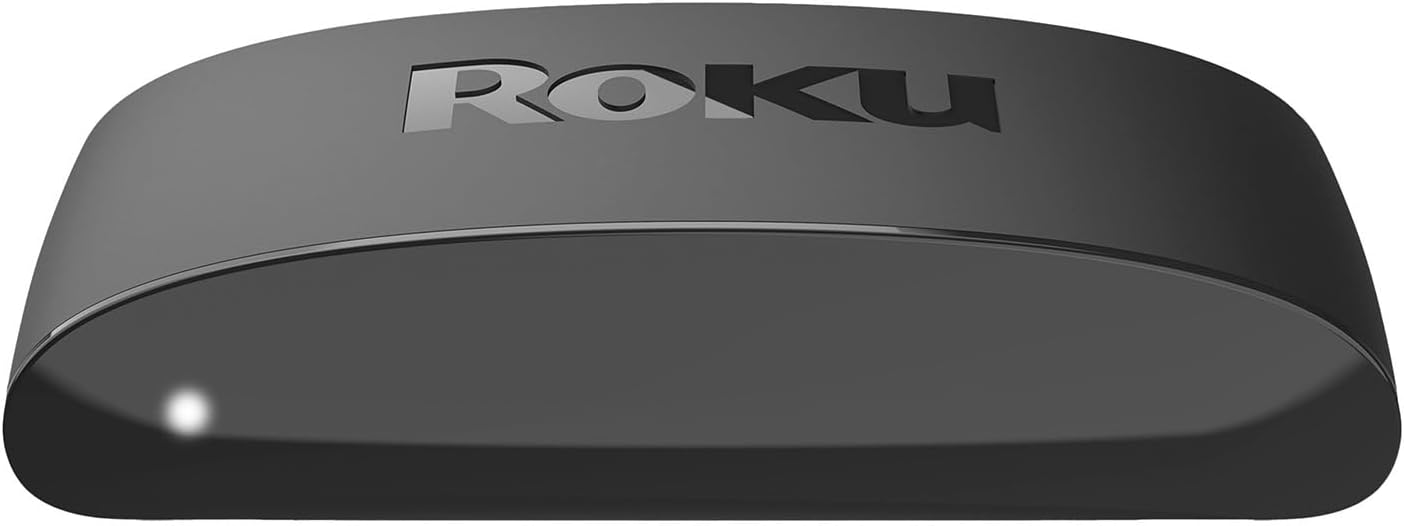
The Express 4K+ powers off a USB port on the TV. No wall outlet needed.
The remote — basic IR, no voice
| Remote feature | Roku Express 4K+ Remote | Roku Voice Remote Pro 2 | Apple Siri Remote |
|---|---|---|---|
| RF / Bluetooth — hide the box | ✗ IR only | ✓ Bluetooth | ✓ Bluetooth |
| Voice search across channels and apps | ✗ | ✓ "Hey Roku" hands-free | ✓ Siri (press to talk) |
| Controls TV power, volume, input | ✗ | ✓ Most TVs | ✓ Built-in IR + CEC |
| Headphone jack on remote | ✗ | ✓ | ✗ |
| Lost-remote finder | ✗ | ✓ | ✗ |
| Backlit buttons | ✗ | ✓ | ✗ |
| Button count | ~14 | ~12 | ~7 |
| Battery / charging | 2× AAA | Rechargeable USB-C | Built-in rechargeable, USB-C |
The Express 4K+ remote is the simplest in the Roku lineup. Functional. Nothing else.
Closed captions, parental controls, and accessibility
Standard Roku features. Captions customizable system-wide. Parental controls PIN-locked. Audio descriptions support.
What's missing
Voice search on the remote. Use the Roku mobile app instead, or upgrade.
Dolby Vision HDR. Get the Streaming Stick 4K if your TV supports it.
Bluetooth for hiding the box. IR-only means line-of-sight required.
Ethernet. Wi-Fi only.
Where to buy
Amazon, Best Buy, Walmart, Target, Roku Direct. Very often on sale at $29 — wait for a deal if you're not in a rush.
Compare similar devices
The Express 4K+ is the floor of the streaming-box category. The Streaming Stick 4K at $39–$49 is the most common step up. The Onn 4K Pro at $50 (different OS) is the budget alternative with more features. The Roku Ultra at $79–$99 is the right pick for main TVs. Apple TV 4K at $129 is the iPhone-household premium pick.
More photos
Ready to buy?
Price is the same at every retailer — pick whoever you already shop with. Free shipping at most.
Setup tips from a pro installer 8 tips · click to expand
- Run the Roku Channel Pack at signup Roku offers a one-click bundle of free apps. Accept it — saves half an hour of installs.
- Plug it into a side HDMI port if available The Express 4K+ is a small puck — side ports give it more clearance than rear-pointing TV ports.
- Use the included HDMI extender if you need it Tight clearance behind wall-mounted TVs — the included short extender solves this without signal degradation.
- Set audio output to 'Auto' Settings → Audio → HDMI → 'Auto'. Default sometimes Stereo, which wastes a Dolby soundbar.
- Skip the Voice Remote upgrade Roku sells a voice remote upgrade for ~$20. At that point, just buy the Streaming Stick 4K instead — same money, better hardware.
- Enable Bandwidth Saver Settings → Network → Bandwidth Saver. Drops to 1080p on slow connections instead of buffering on 4K.
- Add Apple TV+, Disney+, Max, Netflix one time Roku pre-loads home screens on the apps you sign into. Do this on install day.
- Don't bother with a power outlet — it powers via USB-C from the TV Most modern TVs have a USB port that powers the Express 4K+. Use the included cable from the TV's USB port, not a wall outlet.