TiVo Stream 4K Review
TiVo's $50 standalone streaming stick — discontinued October 2025 when TiVo exited consumer hardware. Still available used or refurbished; firmware updates ongoing.
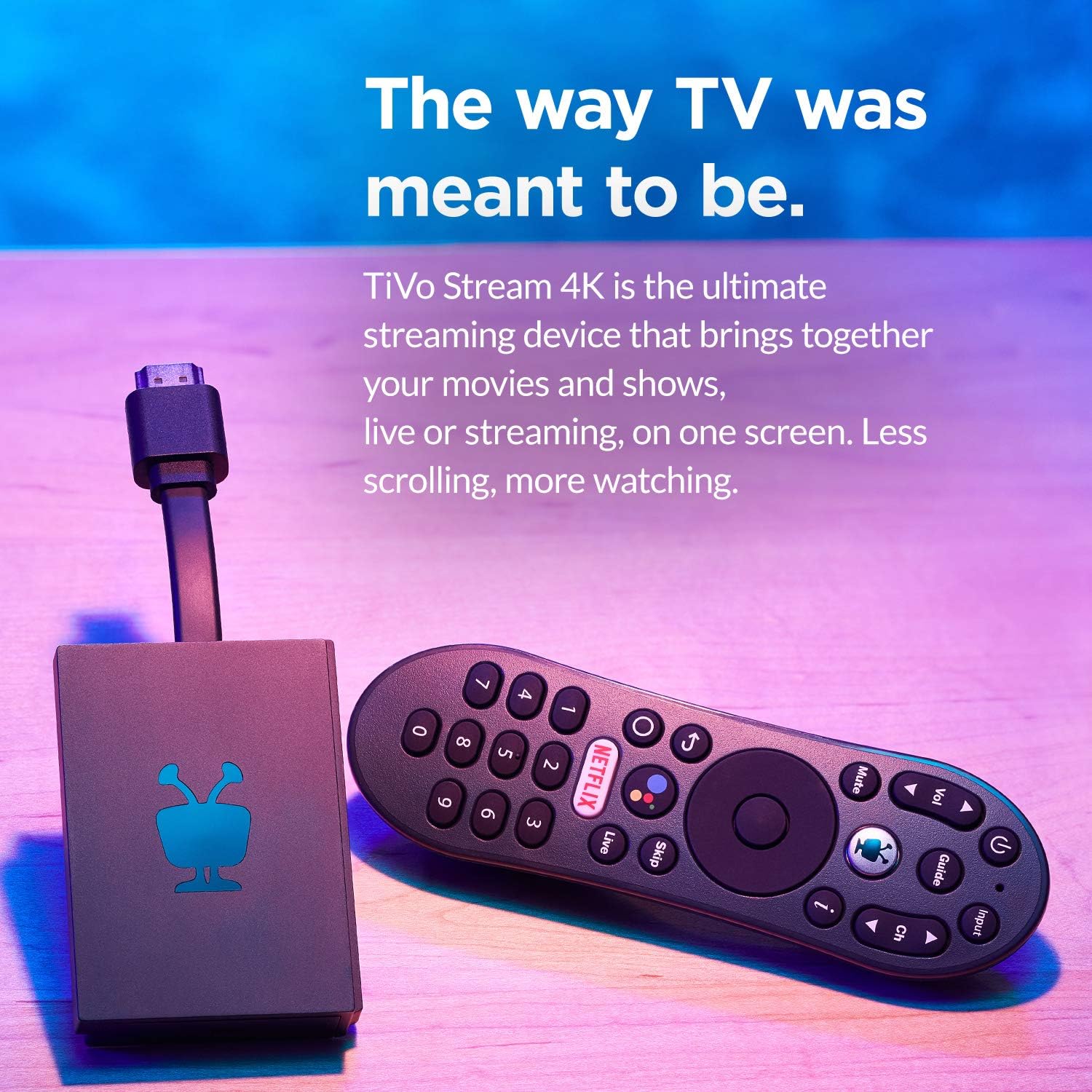


Status update — October 2025: TiVo officially exited the consumer hardware business on October 1, 2025, ending 26 years of selling DVRs and streaming devices. The Stream 4K was one of the last products discontinued. It still works. Firmware updates have continued into 2026. Refurbished and used units are still floating around Amazon and eBay at $30–$50. But TiVo will not ship any new ones, and there's no replacement. This review now covers a sunset product — buy a refurb only if you specifically want what it does. Most shoppers should jump straight to the alternatives at the bottom of this page.
Our Take
TiVo Stream 4K is a niche product, and the niche just got narrower. After 28 years installing TV gear in client homes, I installed very few of these even when they were on shelves. Now that TiVo has stopped shipping consumer hardware, the niche is small — but for the specific use case where someone wants TiVo's universal-search experience without a cable subscription, this is the only product that delivers it. Used.
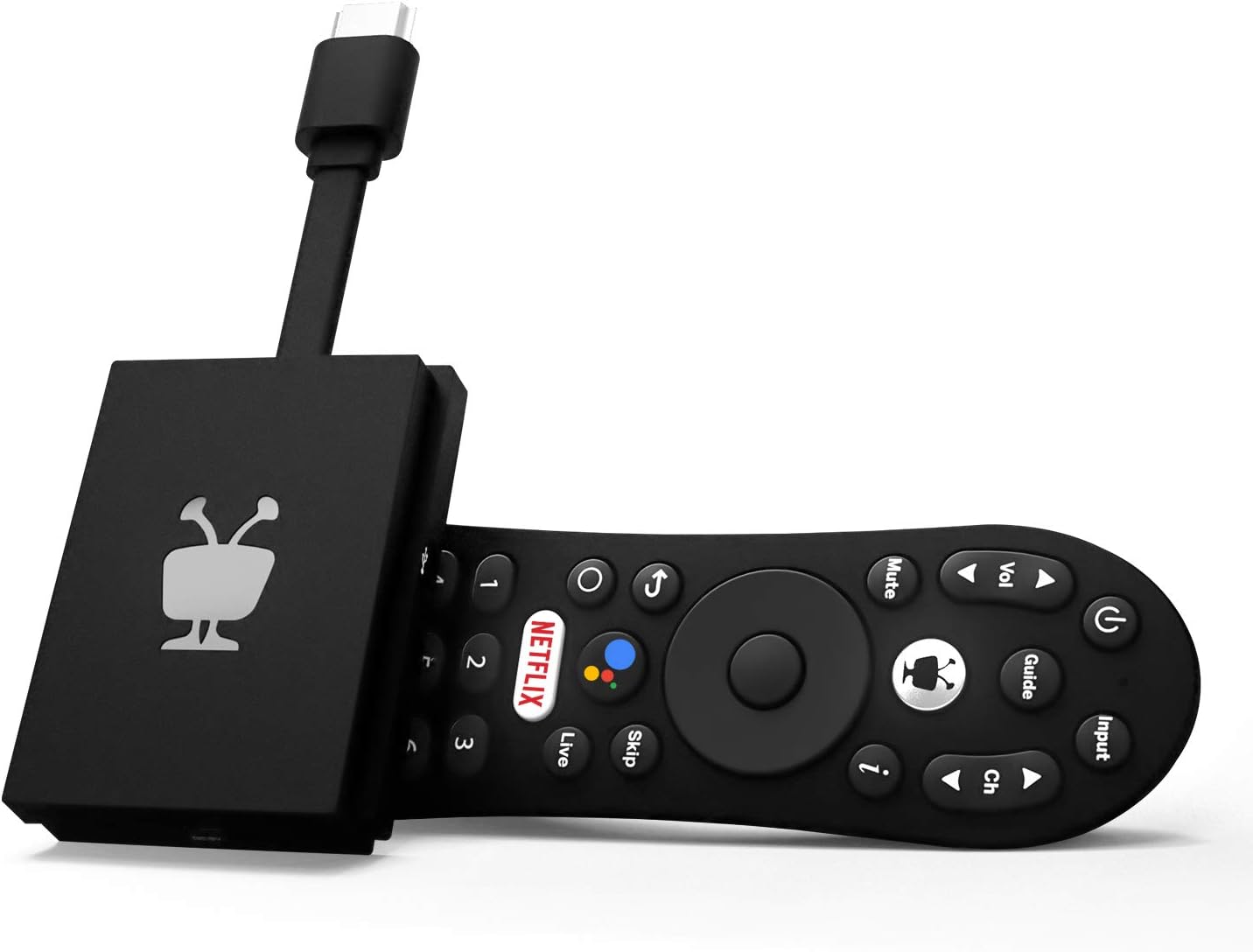
The TiVo Stream 4K runs Android TV (the older version, not the current Google TV) with TiVo's content-discovery overlay on top. Universal search across cable apps and streaming services. Recommendations across platforms. The interface is the TiVo-ish layer that veteran TiVo users find familiar.
The drawbacks are real and now permanent. The hardware is from 2020 and was never refreshed — slower processor than current $50 sticks, older Android TV instead of current Google TV, less polish. TiVo officially exited consumer hardware October 1, 2025. Existing devices still function and TiVo has confirmed firmware support continues, but there is no roadmap and no successor product.
For 95% of households shopping at the $50 level, the Onn 4K Pro at Walmart is the better buy — same price, newer hardware, current Google TV OS, ongoing manufacturer support. For the specific 5% who want TiVo's search overlay and accept that they're buying a refurbished device with a finite future, this is still the way.
When to buy it
You're a former TiVo cable customer who misses the universal-search interface. This is the only standalone way to keep that.
You watch Sling TV. TiVo and Sling have a partnership — TiVo Stream 4K has tighter Sling integration than other Android TV / Google TV sticks.
You specifically want Android TV (not Google TV). The older Android TV interface is different from current Google TV. Some users prefer it.
You're using Plex or Kodi heavily. TiVo Stream 4K's older Android TV runs sideloaded apps slightly better than newer Google TV in some configurations.
When to skip it
You're shopping at $50 without strong feelings about TiVo's search. Get the Onn 4K Pro instead. Newer hardware, current OS, same price.
You want the longest-term software support. TiVo's consumer hardware future is uncertain.
You're outfitting your main TV. Spend $99 on the Google TV Streamer or Roku Ultra for a meaningfully better daily experience.
You don't watch much content beyond Netflix + YouTube. TiVo's universal-search advantage doesn't matter if you only use two apps.
Key features (and what they actually mean for you)
Android TV with TiVo overlay — the platform
Older Android TV (Android 10 / TV 10) with TiVo's content-discovery layer on top. Different from current Google TV.
📱 Why this matters: newer Google TV is more polished and gets faster feature updates. Older Android TV is functional but feels dated. TiVo's overlay is the differentiator.
Universal search across apps and cable
TiVo's standout feature. Search "The Bear" and TiVo surfaces every available source — Netflix, Hulu, Disney+, free with ads, on-demand, etc.
🔍 Why this matters: no other $50 streamer has search this good across apps. Google TV's search is decent. Roku's is okay. TiVo's is the best of the budget category for discovery.
Sling TV integration
TiVo and Sling have a partnership. Sling TV runs smoothly on TiVo Stream 4K and gets featured placement in the interface.
4K HDR with Dolby Vision
Same picture-quality support as the more expensive sticks.
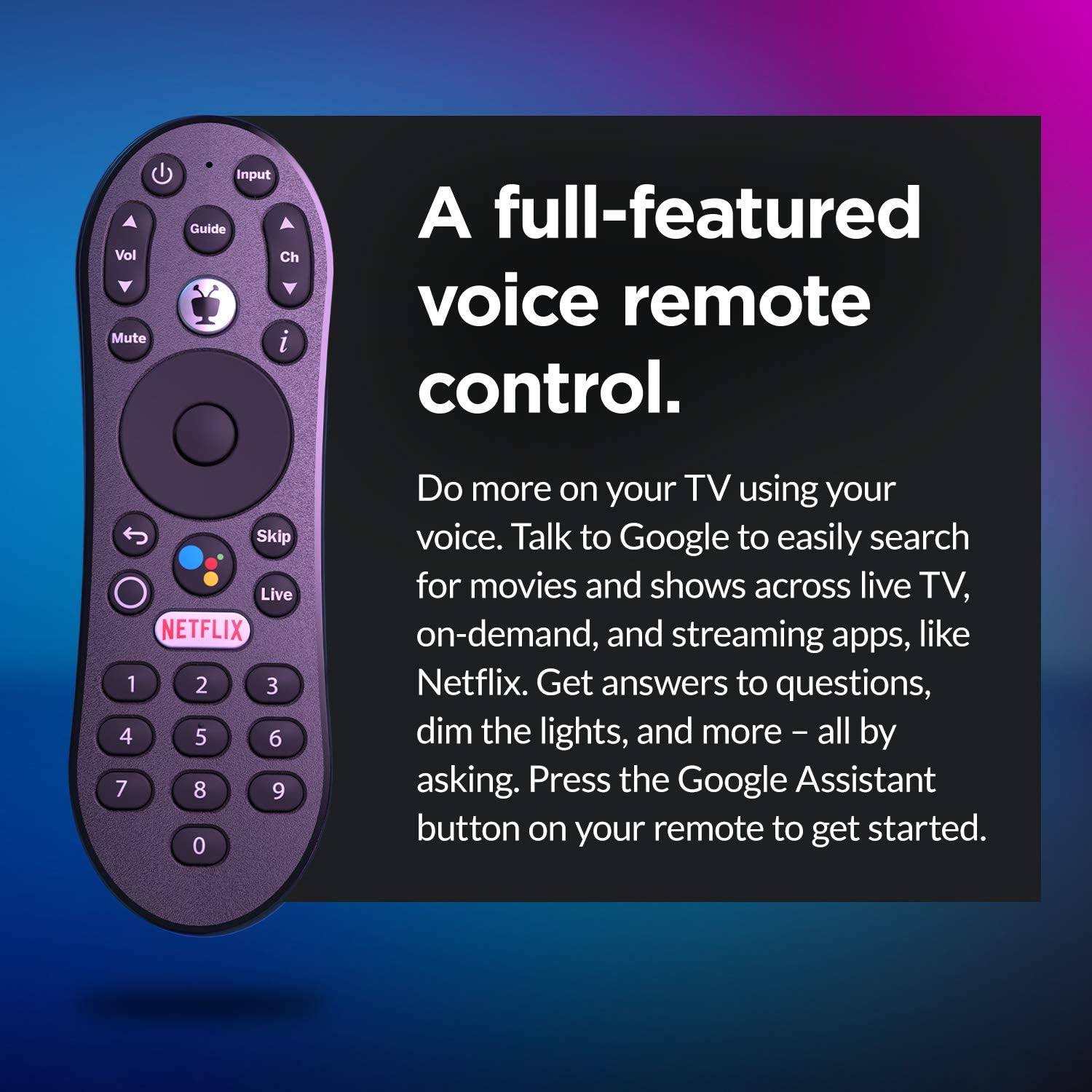
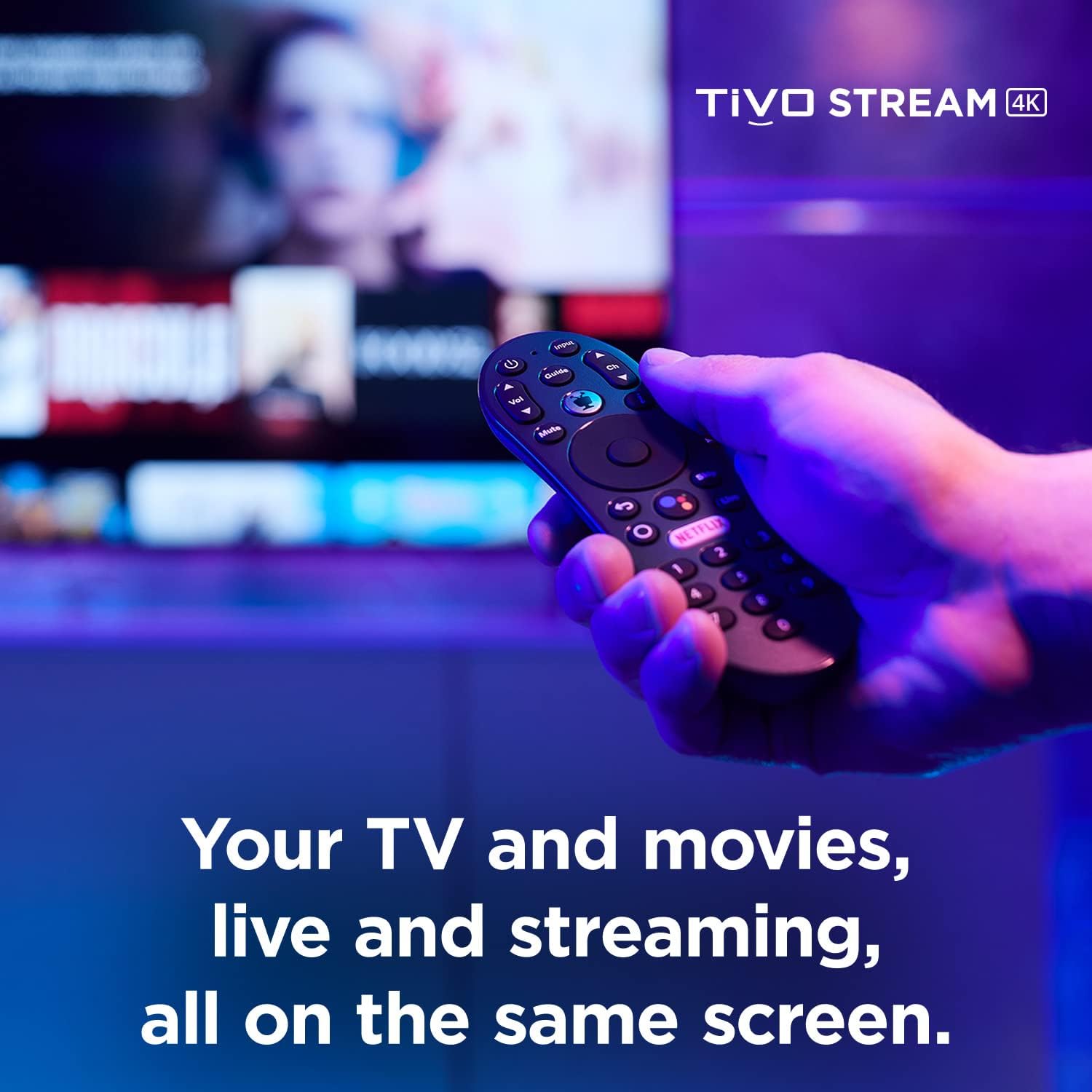
The remote — basic
| Remote feature | TiVo Stream 4K Remote | Onn 4K Pro Voice Remote | Roku Voice Remote Pro 2 |
|---|---|---|---|
| Voice search | ✓ Google Assistant + TiVo search | ✓ Google Assistant | ✓ "Hey Roku" |
| Controls TV power, volume, input | ✓ Most TVs | ✓ Most TVs | ✓ Most TVs |
| Headphone jack on remote | ✗ | ✗ | ✓ |
| Lost-remote finder | ✗ | ✗ | ✓ |
| Backlit buttons | ✗ | ✗ | ✓ |
| Button count | ~16 | ~14 | ~12 |
| Battery / charging | 2× AAA | 2× AAA | Rechargeable USB-C |
Standard $50 stick remote. Voice works.
Closed captions, parental controls, and accessibility
Standard Android TV features. Captions customizable. Parental controls available.
What's missing
Current Google TV OS. Stuck on older Android TV.
Active hardware refresh. 2020-era hardware in a 2026 market.
Long-term support certainty. TiVo's consumer business has shrunk.
Premium remote features. Basic stick remote.
Where to buy
Amazon, TiVo Direct, Best Buy. Increasingly hard to find in retail as TiVo's footprint shrinks.
Compare similar devices
The TiVo Stream 4K is a niche $50 stick. Compared to:
- Onn 4K Pro at $50: newer hardware, current Google TV. Better buy for most users.
- Roku Streaming Stick 4K at $49: cleaner Roku OS, no TiVo search. Different ecosystem.
- Fire TV Stick 4K Max at $59: Wi-Fi 6E edge, Amazon-heavy. Different ecosystem.
- Google TV Streamer at $99: twice the price, much newer hardware, smart-home hub features. Step up if budget allows.
Get TiVo Stream 4K only if you specifically want the TiVo search experience without cable. For everything else, the Onn 4K Pro is the better $50 buy.
More photos
Ready to buy?
Price is the same at every retailer — pick whoever you already shop with. Free shipping at most.
Setup tips from a pro installer 8 tips · click to expand
- Understand what TiVo Stream 4K is and isn't This is a $50 Android TV stick. The TiVo branding doesn't make it a TiVo DVR or cable receiver — it's a streaming stick with TiVo's search overlay. Set expectations accordingly.
- Sign into your Google account Android TV personalizes content with Google account data. Skip this and recommendations feel generic.
- Activate the apps you use Netflix, Disney+, Max, Hulu, Prime, YouTube, YouTube TV, plus Sling TV (TiVo and Sling have a partnership). Sign in once.
- Set audio output to 'Auto' Settings → Sound → Auto.
- Use the universal search TiVo's standout feature — search 'The Bear' once and TiVo surfaces every available source. The reason to get this over the Onn 4K Pro.
- Customize the home screen Reorder rows so your most-used apps are on top.
- Know what you're buying — it's a sunset product TiVo officially exited consumer hardware on October 1, 2025. Existing devices still work and firmware updates have continued into 2026, but no new units are being manufactured. Anything you buy today is refurbished, used, or leftover retail stock. Plan a 1–3 year horizon, not 5.
- Compare against Onn 4K Pro before buying Walmart's Onn 4K Pro is the same $50 with newer hardware and Google TV instead of older Android TV. Often the better buy unless you specifically want TiVo's search overlay.